
Fair Music Browser
A browser when you’re exploring. A music player when you’re listening.

iPhone: in App Store review.
- Pay once
- No subscription
- No account
- Your data stays on your phone
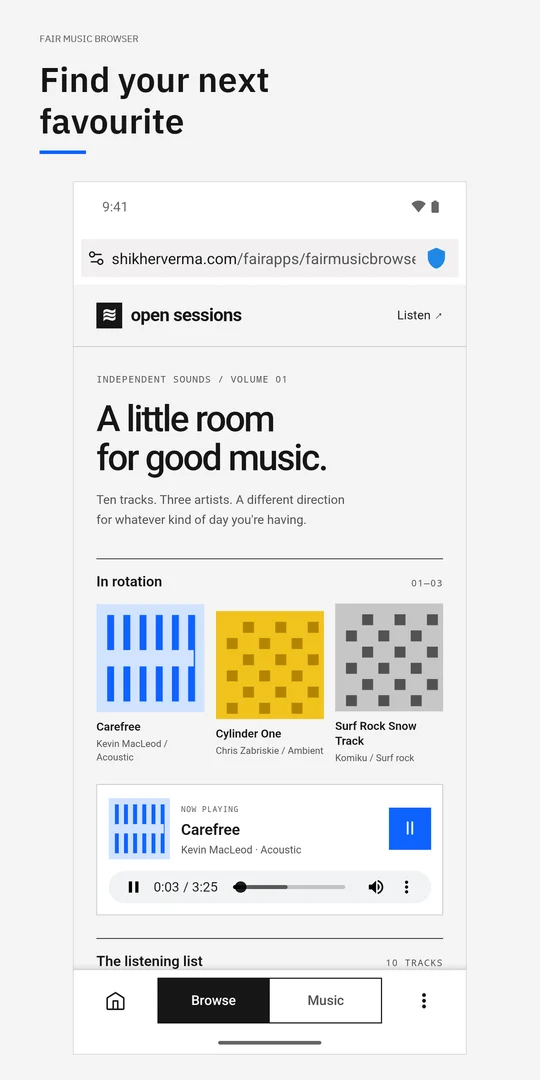
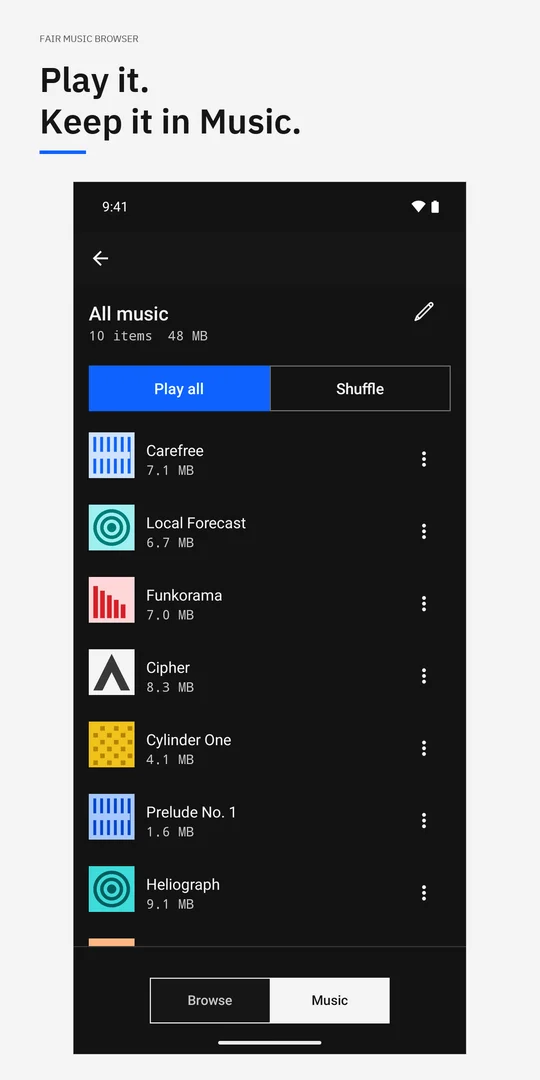
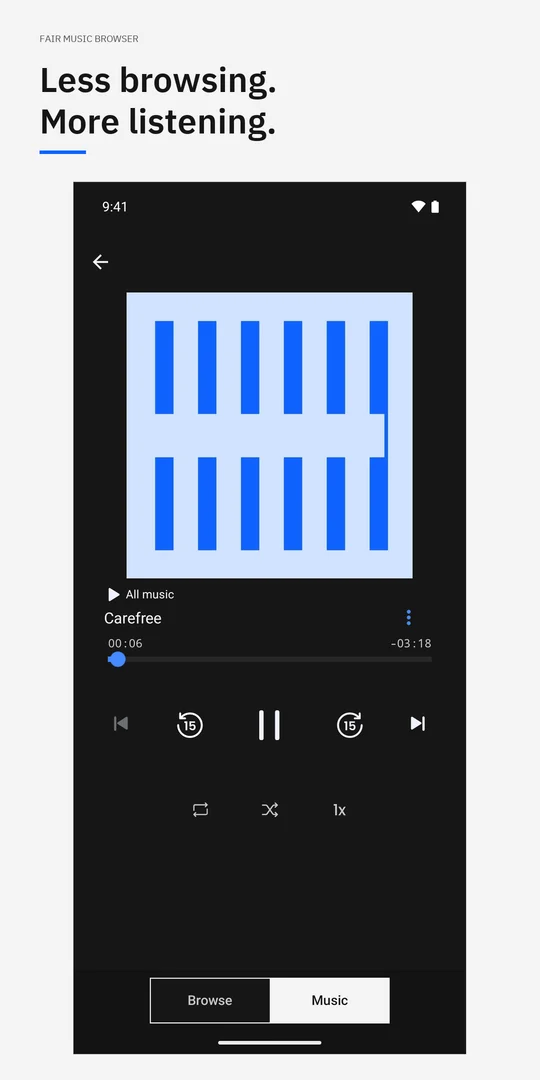
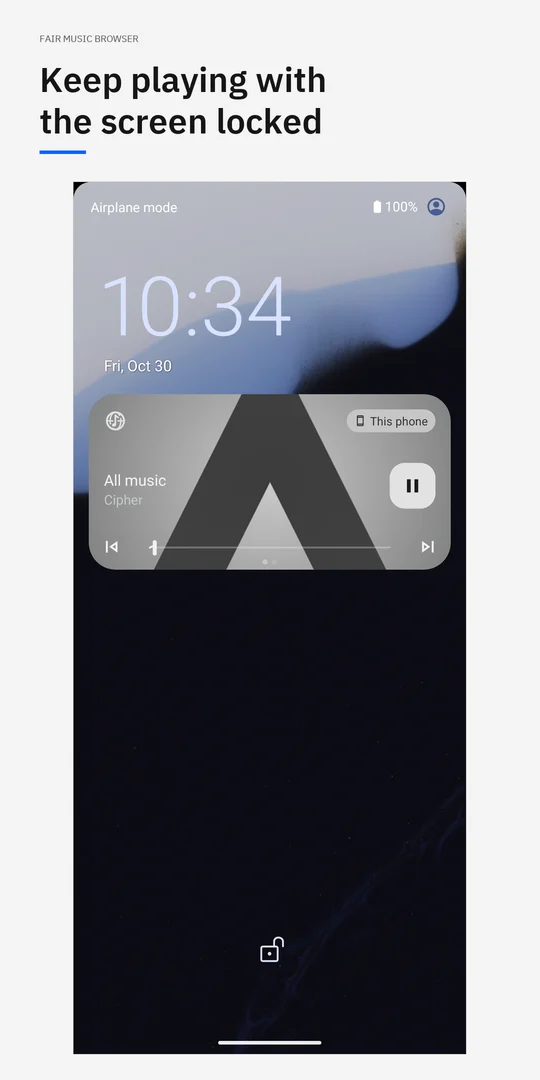
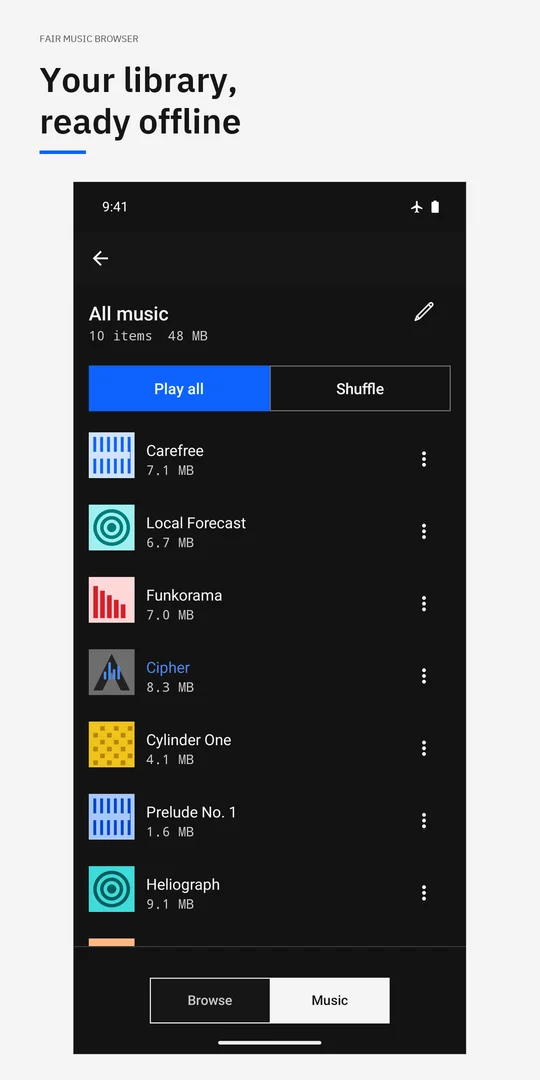
Browse. Play. It’s in Music.
Open a music page and press play. Supported tracks are saved on your phone as you listen, ready to play again without a connection.
One tap to your library
The Browse | Music switch takes you from the web to your library. No separate save step.
Your music, without the open page
Artwork, playback controls, shuffle, repeat and playlists.
Keep listening
Plays in the background, with controls on the locked screen and in the media notification.
At a glance
- Price
- Free for your first 1,000 saved songs, with every feature. Then US$4.99 once to remove the song limit. Prices vary by country.
- Free allowance
- Your first 1,000 saved songs, with every feature. The count is songs ever saved; deleting a song frees storage, not a place in the allowance.
- Unlock
- One in-app purchase removes the song limit. No subscription.
- Available on
- Android (Google Play). The iPhone version is in App Store review.
- Not included
- Not all web media can be saved: protected (DRM) streams cannot be kept offline. It is a browser, not a music catalog.
- Your music
- Saved on your phone and uses its storage. Only keep music you have the right to keep.
Questions
Can Fair Music Browser save every song?
No. It keeps supported web audio for offline replay, but protected DRM streams cannot be saved. Only keep music you have the right to keep.
What happens after 1,000 songs?
The free allowance is 1,000 songs ever saved. After that you can still browse, stream and play your saved music; a one-time purchase lets you keep saving. Deleting a song does not reset the count.
Is Fair Music Browser on iPhone?
Not yet. The iPhone version is in App Store review. It is available now on Android from Google Play.
Guides
- Save supported web audio for offline listening on Android
Save supported website audio for offline replay on Android. Follow a permitted recording through Browse and Music, with DRM and storage limits explained.