Fair Invoice
Fair Invoice makes clean estimates and invoices on your phone. No subscription, no account, no ads.

iPhone: in App Store review.
- Pay once
- No subscription
- No account
- Your data stays on your phone
Make it in a minute
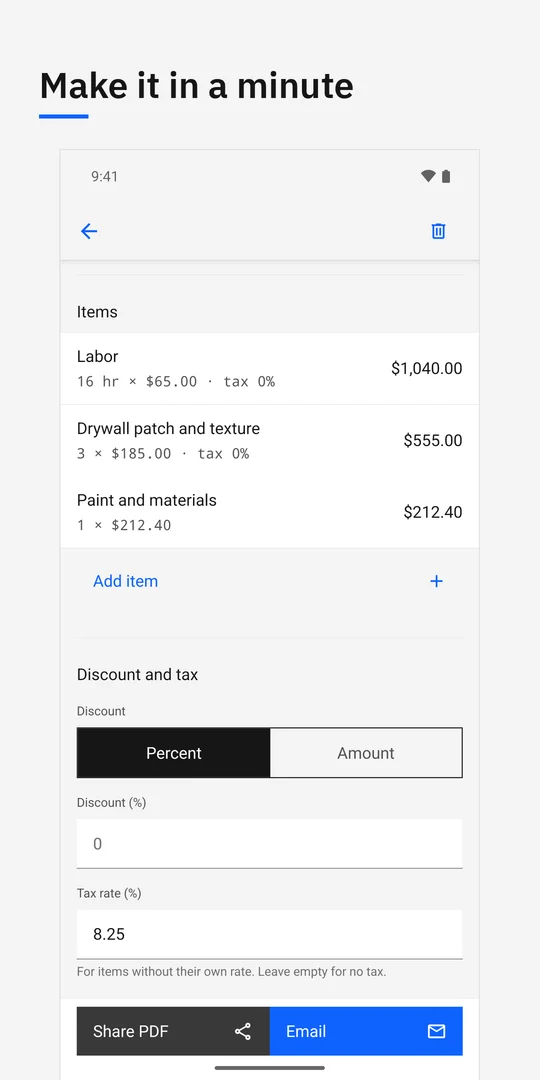
Pick a client, add items, set tax and discount, and share a professional PDF or email it from your own mail app.
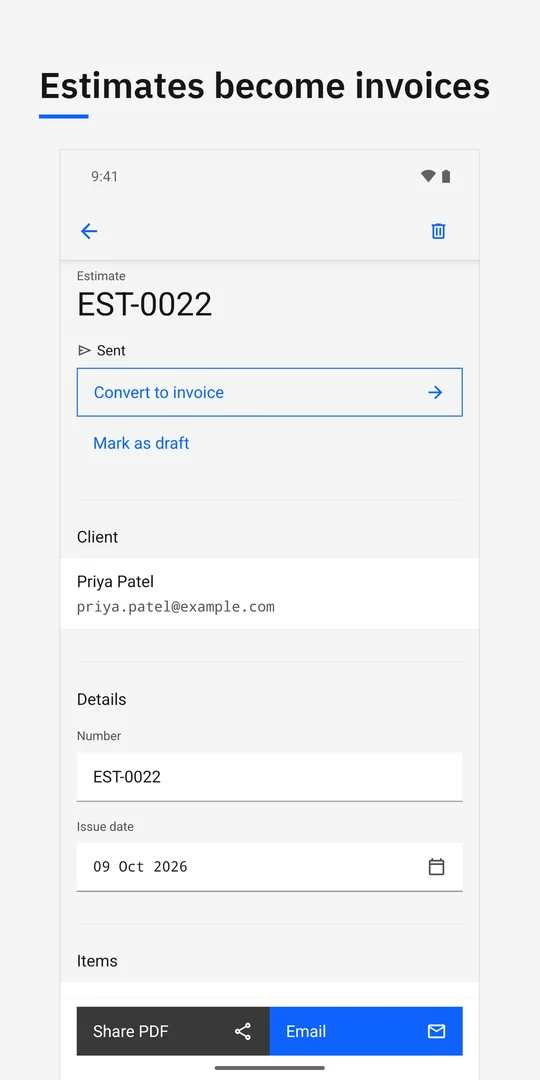
Estimates to invoices
When the job is approved, turn the estimate into an invoice with one tap. Nothing to retype.
Get paid
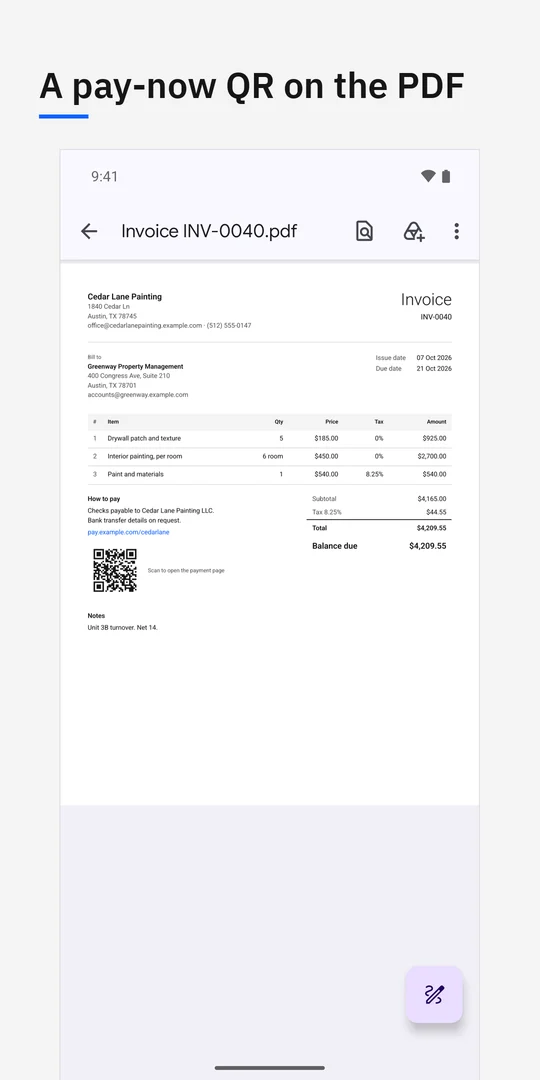
Your bank details and payment links go on every invoice, with a QR code your customer can scan.
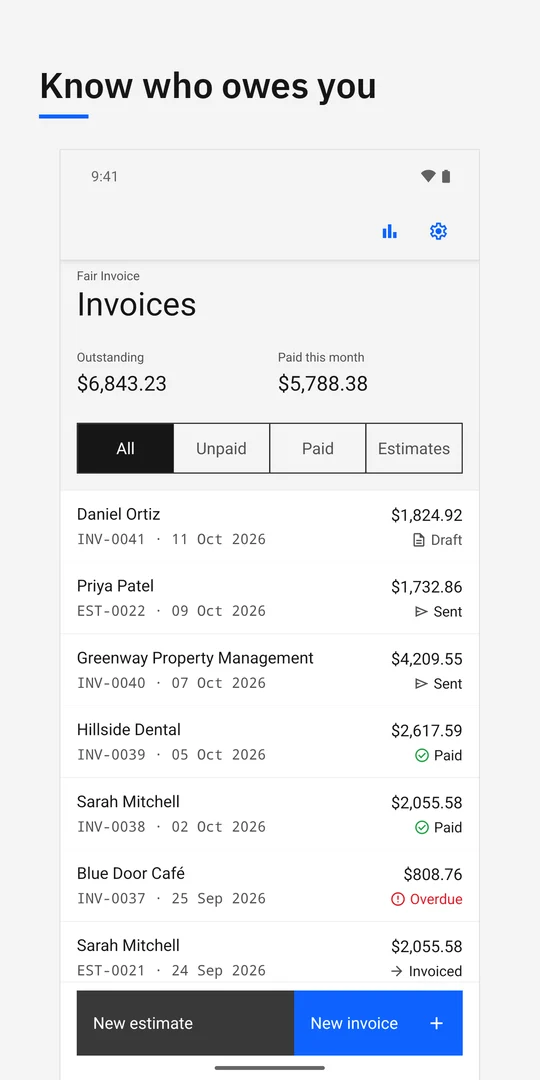
Know who owes you
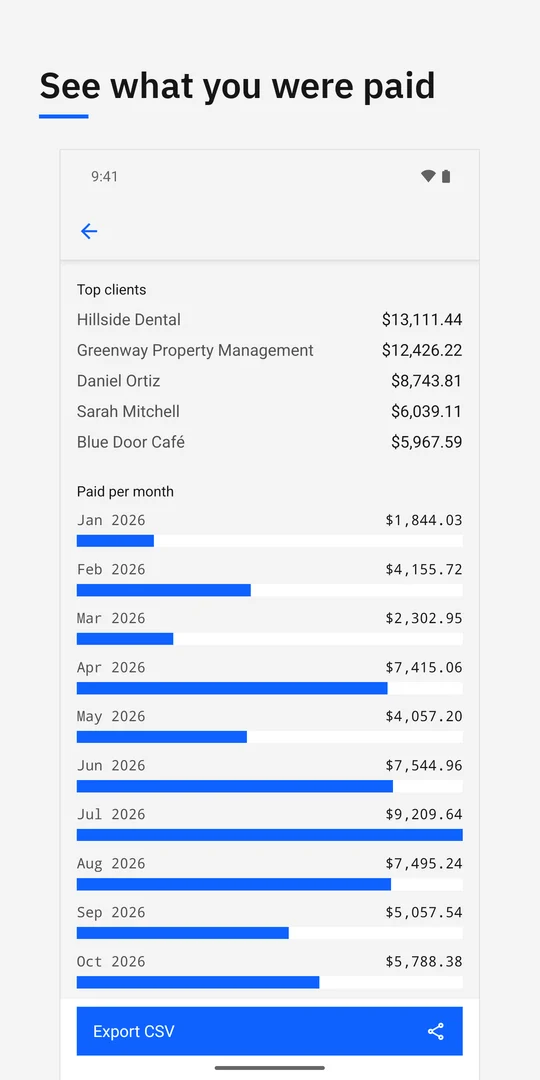
Overdue invoices stand out, a reminder is one tap away, and you always see how much is outstanding.
At a glance
- Price
- Estimates are always free, and your first 10 invoices are free with every feature. Then US$19.99 once for unlimited invoices. Prices vary by country.
- Unlock
- One in-app purchase removes the invoice limit. No subscription.
- Available on
- Android (Google Play). The iPhone version is in App Store review.
- Not included
- No card processing, no government e-invoicing and no automatic payment reconciliation. Emails go from your own mail app.
- Your data
- Stays on your phone. Optional sync uses your own iCloud or Google Drive; there is no server of ours.
Questions
Is Fair Invoice completely free?
Estimates are unlimited and free. The first 10 invoices include every feature; a one-time purchase removes the invoice limit. There is no subscription.
Does Fair Invoice take card payments?
No. It does not process card payments. Your bank details and payment links go on each invoice with a QR code; payment providers you link to can charge their own fees.
Is Fair Invoice on iPhone?
Not yet. The iPhone version is in App Store review. Fair Invoice is available now on Android from Google Play.
Guides
- Invoice Simple alternatives without a subscription
Compare Invoice Simple with a one-time-unlock invoice app and a copyable template, including free limits, payment trade-offs and a switching checklist.
- Invoice template for contractors: copy, fill and print
Copy a contractor invoice template with labor, materials, approved changes and deposit credits, plus a filled example and steps to check and print it.