
Fair Scanner
Fair Scanner turns paper into clean PDFs. No subscription, no account, no ads.


- Pay once
- No subscription
- No account
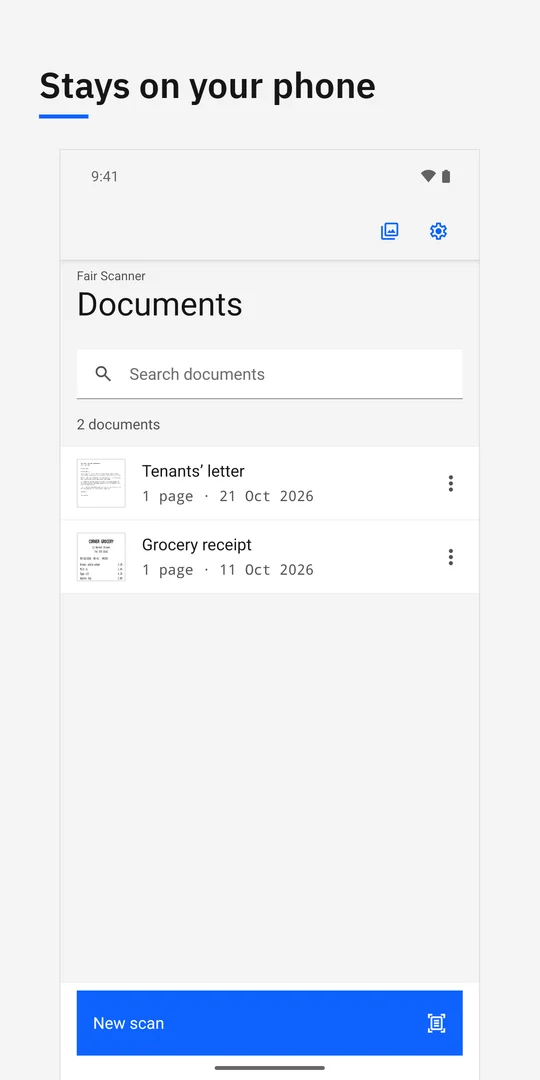
- Your data stays on your phone
Scan
Point your camera at a page. The phone’s built-in document scanner finds the edges, straightens the page and captures as many pages as you like in one go.
Import
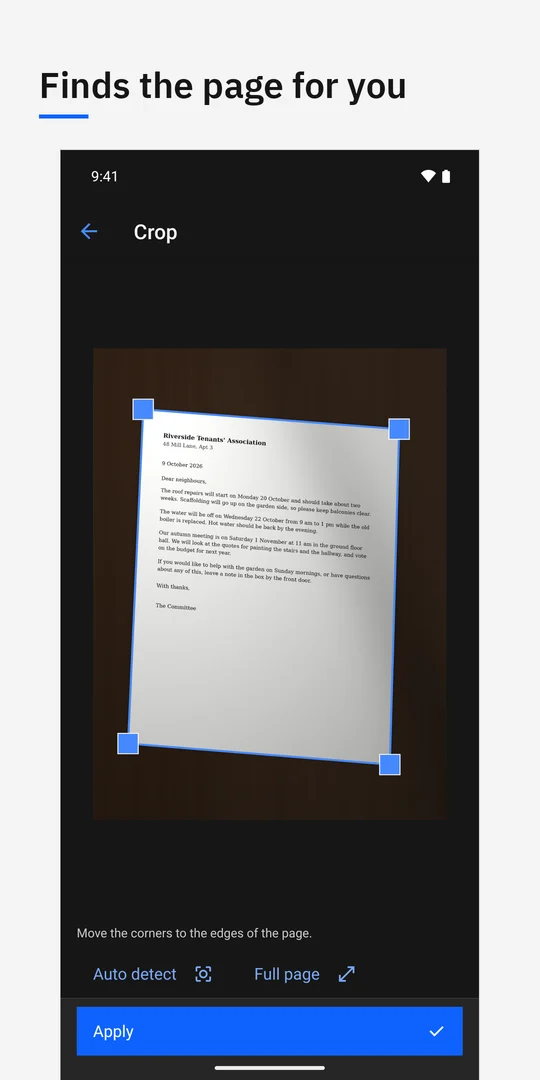
Already took a photo? Fair Scanner finds the page in each photo and crops it for you. Drag the corners if it needs a nudge.
Clean up
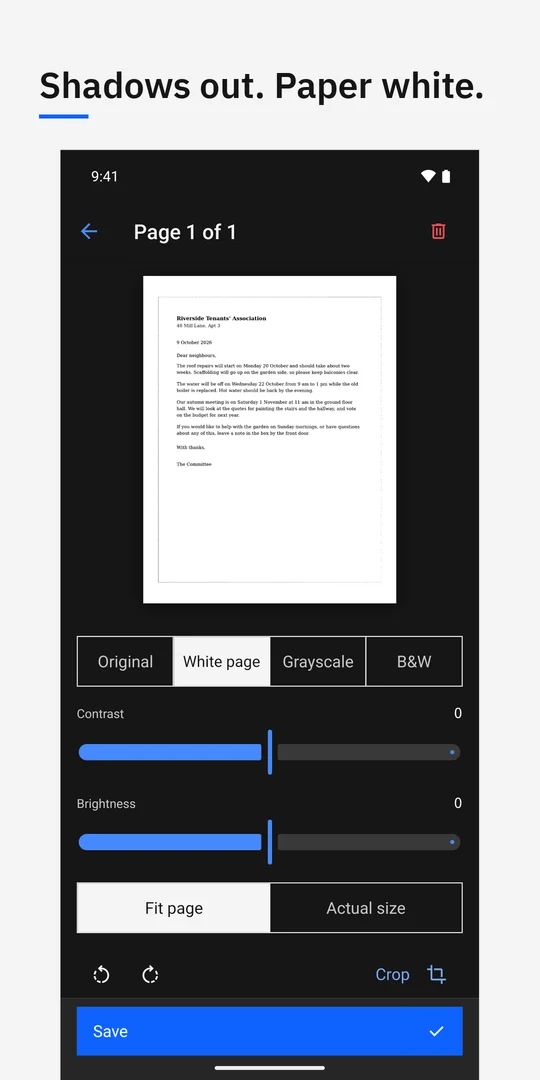
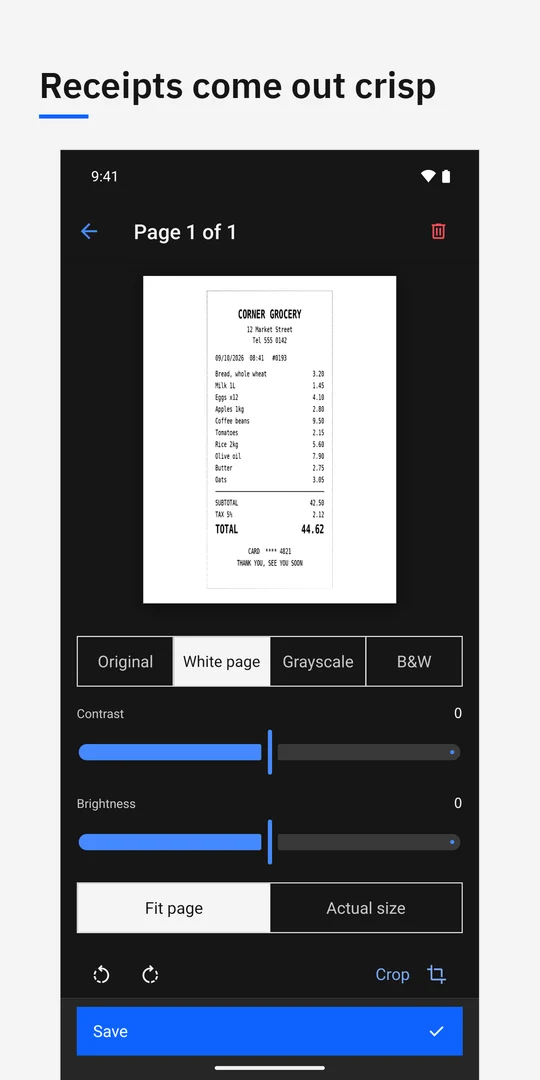
White page evens out shadows and uneven light, so the paper goes white and the text stays dark. Edits never change the original.
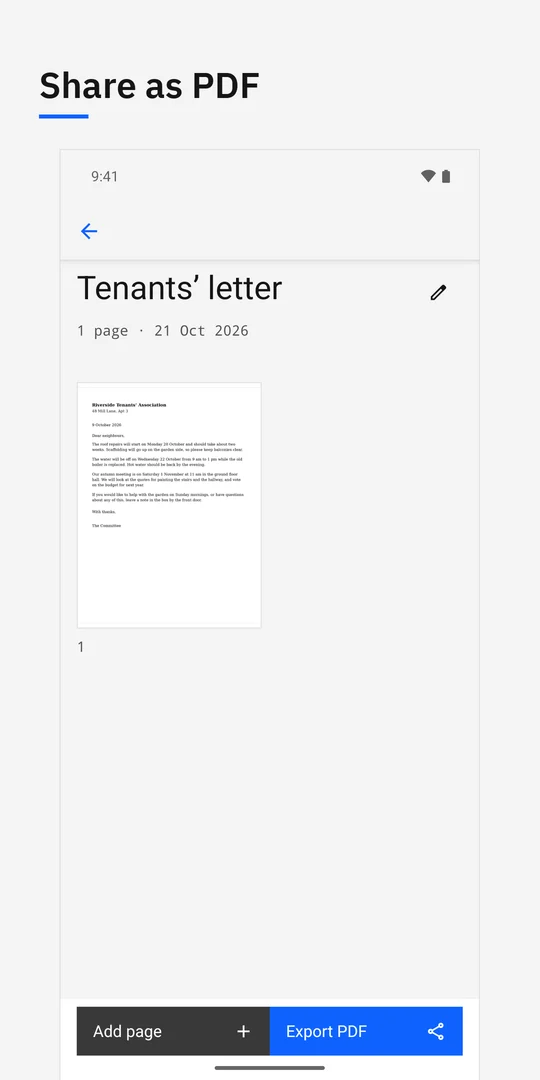
Share
Export any document as a PDF, sized A4 or Letter to match your region, and send it wherever you like.
At a glance
- Price
- Free for your first 10 documents, with every feature. Then US$8.99 once for unlimited documents. Prices vary by country.
- Unlock
- One in-app purchase removes the document limit. No subscription.
- Available on
- Android (Google Play) and iPhone (App Store).
- Not included
- No text recognition (OCR), no cloud sync, no folders.
- Privacy
- No Fair Apps account and no analytics of its own. On Android, Google's scanner component sends Google basic diagnostics.
Questions
Does Fair Scanner need a subscription?
No. Fair Scanner includes every feature for the first 10 documents. A one-time purchase removes the document limit. Deleting documents does not restore the free allowance.
Does Fair Scanner recognize text?
No. It has no text recognition (OCR), no cloud sync and no folders. It scans, cleans up and shares PDFs sized A4 or Letter.
Does Fair Scanner send my documents anywhere?
Your documents stay on your phone and there is no Fair Apps account. On Android, the phone's Google document scanner component sends Google basic diagnostics; the privacy policy has the details.
Guides
- CamScanner alternatives: simple PDFs or searchable scans?
Choose a CamScanner alternative for simple PDFs or searchable scans, with clear free limits, OCR trade-offs and a practical switching checklist.
- How to cancel an iScanner subscription
Cancel iScanner through the company that billed you: Apple, Google Play or its website. Follow the right steps and keep refunds separate.